
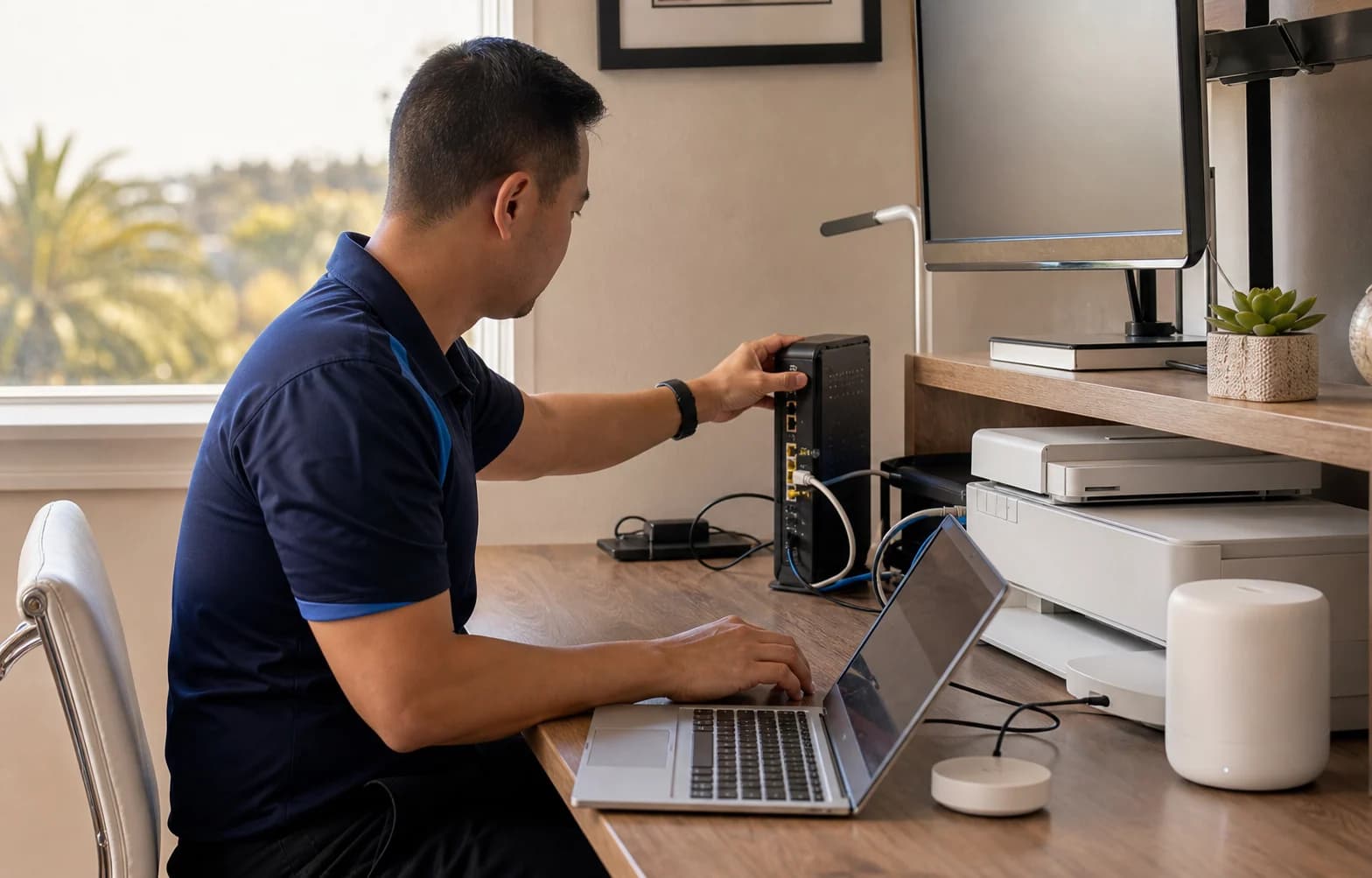
Tech help that comes to you.
Computer running slowly? Printer offline? We troubleshoot the problem at your home or business in Greater Los Angeles. Remote help is available nationwide, with the work and price agreed before we start.
Search service names, then choose a result to see details and pricing. Do not include personal information.
Popular services in
Los Angeles.
All services and prices  At home or workComputer repairSlow, won’t start, pop-ups. Windows or Mac.from $125
 Wi‑Fi and internetfrom $150
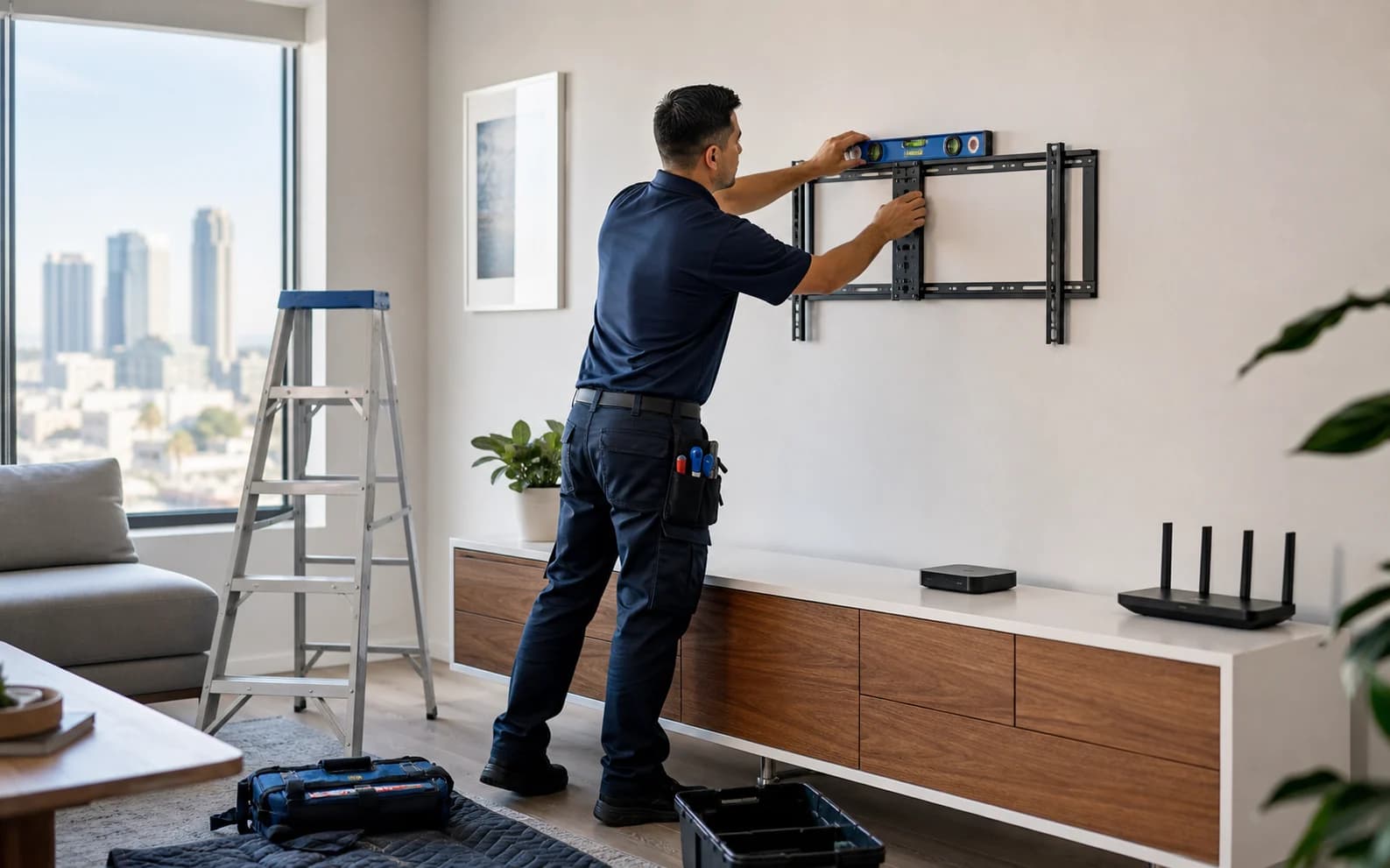 TV mountingfrom $169 · quoted firstAssessment firstLost files? Stop and call us.Stop using the device. We assess the next step and quote the work before an attempt. Recovery is not guaranteed; the approved attempt fee is payable even if no files are recovered.
 Help for parentsfrom $95
 Phones and tabletsfrom $95
 Streaming, sound and smart homefrom $150
Starting prices cover the agreed service. Parts, equipment and additional work are quoted separately for your approval.
From “it’s broken” to fixed,
all from your phone.
A look at the experience we’re building: book help, follow your visit and keep the details together. For now, book online and manage your records in the client portal.
Start with your problem
The planned booking experience brings the service, price and available times together.

Know what’s next
Technician profiles and arrival updates are part of the app experience we’re developing.
Keep the record
Service reports and invoices, together. Shared records are already available in the client portal.
Illustrative screens. Public app release and live arrival tracking are not yet available.
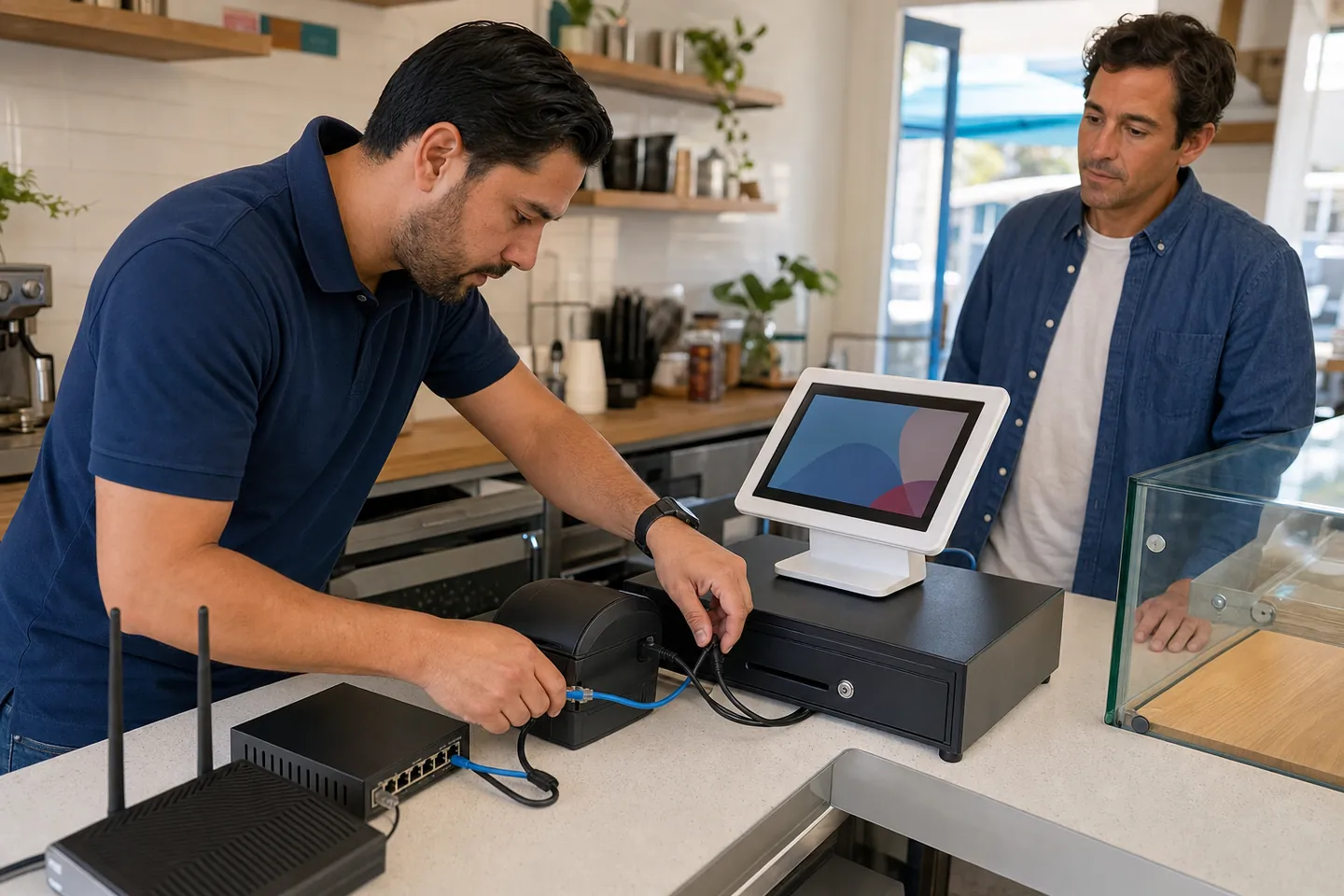
When office tech stops work, call us.
Can’t print invoices or get a workstation online? Get help with the immediate problem, or book an IT checkup from $175 to review your office equipment and backups.
Hear it from our customers.
Read about Tech Genie service experiences on Thumbtack.
You approve the work.
We explain the scope and price before proceeding. Additional work needs your approval, and you stay in control of account access.
Our safety & privacy policyYour service records, together.
Return to your client portal for shared service records and invoices, or ask for follow-up help.
Open client portal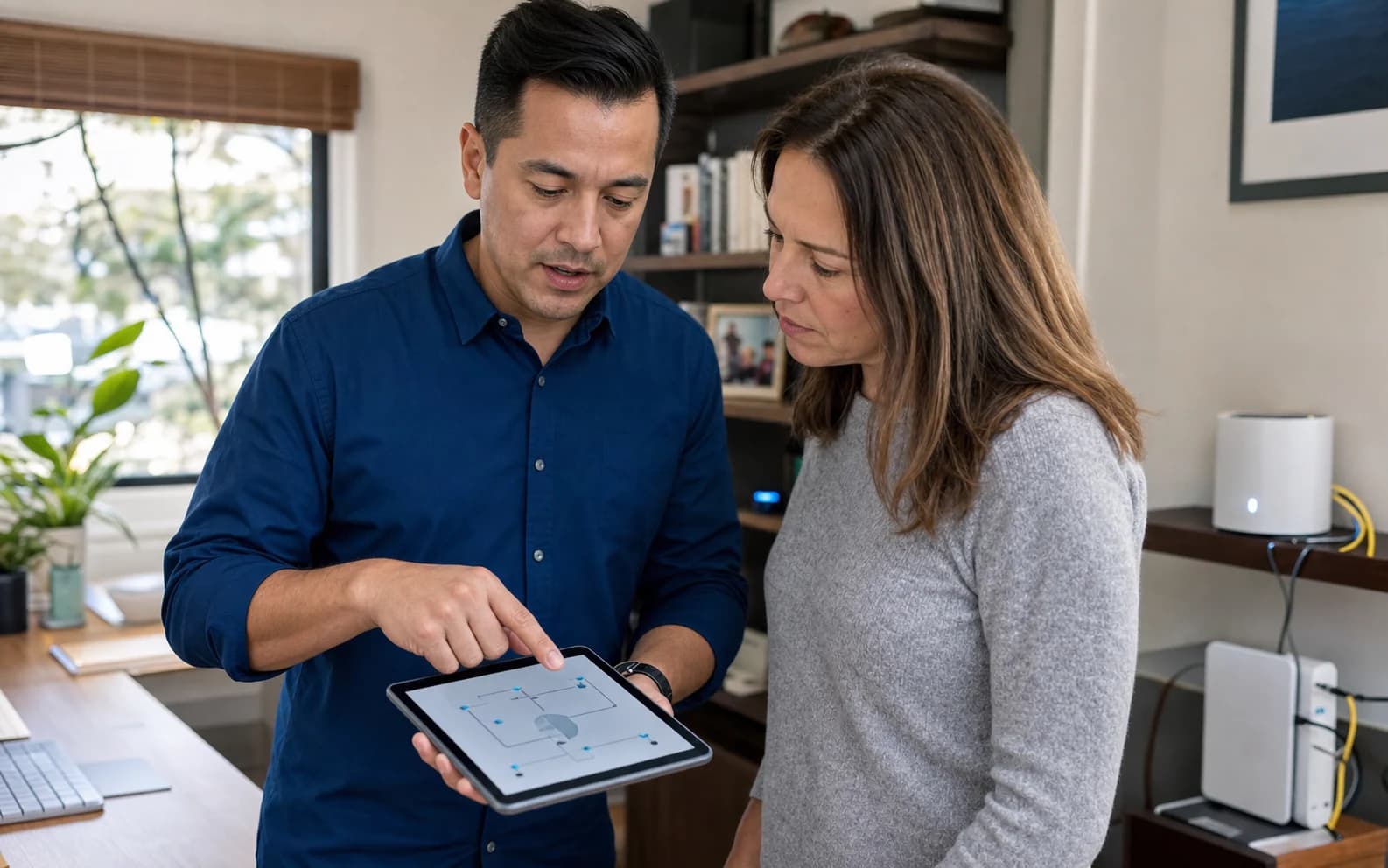
Tech help, in plain language.
Tell us what happened, even if you don’t know the technical name for it. We’ll check the equipment, explain what we find and discuss repair options with you. Tech Genie is based in Van Nuys. Help is available in English, Armenian and Russian.
Book a visitGood to know.
Still not sure? Call or text (818) 922-5157 and ask anything.
Do you have a shop I can bring my computer to?
We don’t have a walk-in shop. Book a visit to your home or business, or ask about pickup and return. We’ll arrange the collection time, cost and return details with you first.
Do you work on Macs?
Yes. We help with Mac setup, slowdowns, backups and transferring files to a new Mac. Tell us the model and symptoms so we can assess whether it needs software work or a specialist hardware repair.
Will you need my passwords?
Some repairs need you to sign in. We’ll explain when that’s needed and arrange access with you. Never send passwords or recovery keys through a form or message.
How do I pay?
Your approved quote explains payment timing and any required prepayment. Use the payment options on your invoice or arrange payment with Tech Genie at your visit.
Something not working? Let’s get it sorted.
Choose the help you need and check available times for your address. For urgent problems, call us.